
You can manage the drivers assigned to your fleet via the Waybox Management Portal. Just navigate to the Drivers tab in the main navigation. All your drivers will be listed here, just select the driver you would like to manage.
The navigation icons below are based on Fleet User Access Level; other users may not have access to all of these icons. See User Access Level for more information.
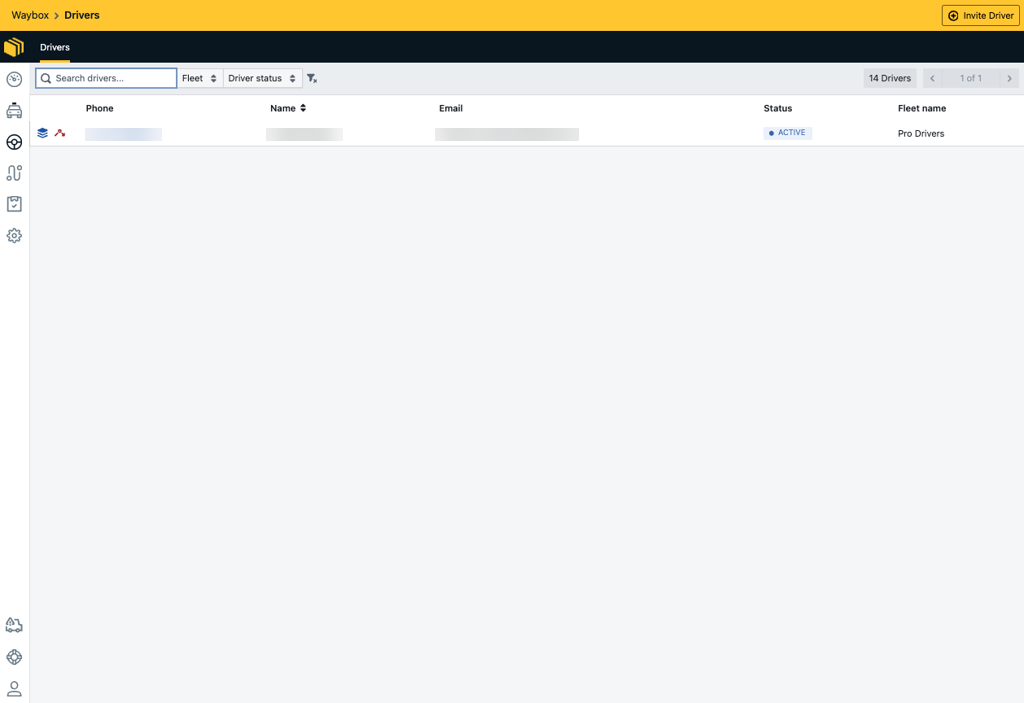
By selecting a Driver, you will be able to configure the following:
-
Driver Name
-
Driver Email - the email address associated with the driver
-
Fleet - the fleet the driver is currently assigned to, this can be more than one fleet.
-
Driver Cost Per unit - the amount the fleet will pay the driver per unit (Defaults to the unit i.e Mile or Kilometres set on the Fleet). By default, this will be the Cost Per Unit set on the Fleet. This can be overridden here.
-
Driver Phone Number - this is a mobile number associated with the driver. This number will be used each time the driver signs into the Driver App.
-
Signup Complete - allows the user to sign into the driver app
-
Enabled - when the driver has completed their registration, this will automatically become enabled and the driver is able to sign into the driver app
-
Disabled - when the driver has not completed their registration, this will remain disabled until the driver has completed their registration, and they will be unable to sign into the app.
-
-
Can accept/reject jobs - assigns the driver a drive type, either a Freelance Driver or a Contract Driver. See our Freelance and Contract Driver Types guide for more information.
-
Suitable for stacked jobs - allows the system to assign up to 3 jobs to a single driver, the jobs will be collected from one pickup and delivered up to three separate drop-offs. See our Stacked Jobs guide for more information.